Illustration: feature icon 2a9eb19d97 ffffff 19x19

Feature

Reservation system

The reservation system for every booking and appointment.

Take table reservations, clinic appointments, room and court bookings and event slots online from your branded customer portal. Set capacity, approval, deposit and reminder rules per calendar, and every new booking is posted straight to your team’s WhatsApp group.

Tables, appointments, rooms and event slots
New-booking alerts in your team WhatsApp group
Deposits and automatic WhatsApp reminders
A smiling hostess holding a tablet welcomes a couple with a reservation into a warmly lit Malaysian restaurant
Illustration: feature icon fbbe82db75 ffffff 20x20

New booking · Bookings team

Aina R. · Table for 4 · Sat 7:30 PM · RM20 deposit paid

Illustration: feature icon 2a9eb19d97 ffffff 22x22

Tonight · Main hall

42 / 56 seats

3 slots still open

Quick answer

What is a reservation system?

A reservation system, also called a booking system or appointment system, is software that lets customers book a time slot, table, room or place online while the business controls capacity, confirmations and no-shows. Pixalink’s online reservation system runs inside your branded customer portal: each outlet can have several calendars with their own slots, capacity, approval, deposit and WhatsApp reminder rules, and new bookings are posted to your team’s WhatsApp group.

Pixalink Sdn Bhd, Malaysia · Updated 8 November 2026

Illustration: feature icon 31beca481b d57900 20x20

Reservation System at a glance

Use it for

Tables, appointments, rooms, courts, bays, event slots

Also called

Booking system, appointment system, online booking app

Capacity

By bookings, seats or units, per time slot

Approval

Automatic or by staff

Deposits

Payment gateway or wallet credit, with refunds

Team alerts

New bookings posted to your staff WhatsApp group

Reminders

Automatic WhatsApp before the slot

Controls

Cut-offs, advance window, blocked dates, per-member limits

One reservation system, many kinds of use

The same booking engine, set up your way.

A calendar is just slots plus rules. Change the capacity type, approval and deposit, and the same reservation system runs a vet clinic, a dinner service or a pickleball social. Pick a business to see a typical set-up.

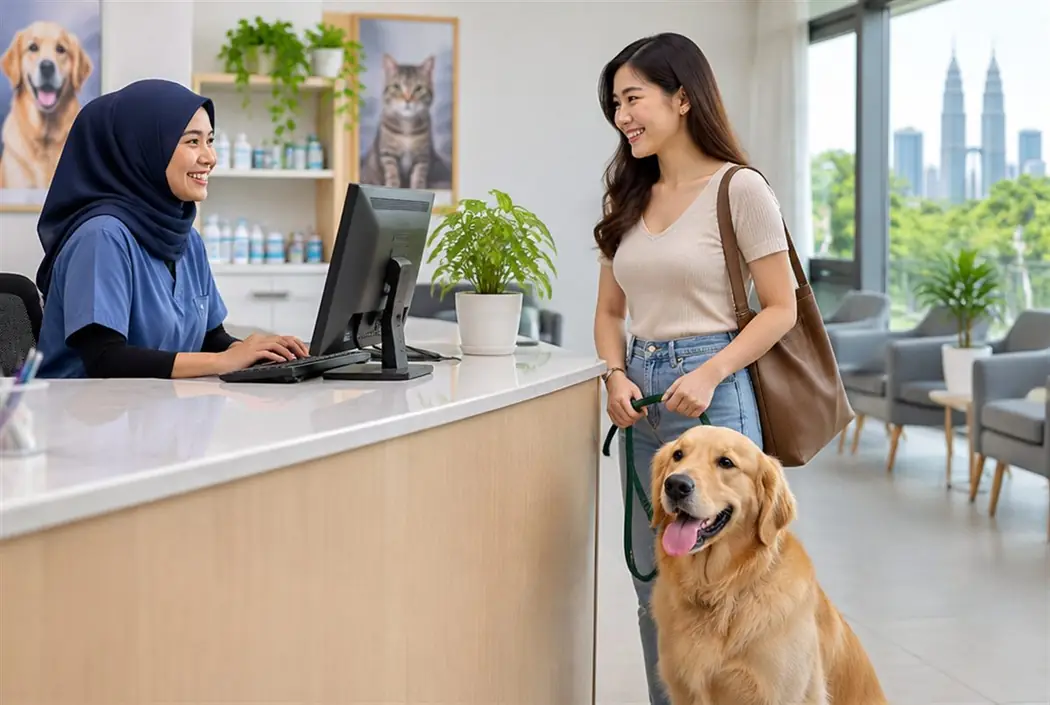
A vet clinic receptionist smiles at a pet owner arriving with her golden retriever for a booked appointment

Pet appointments

Vaccinations and grooming without the phone tag.

Pet owners pick a vet, a service and a time from your portal. Staff approve each booking, so double-length surgeries never collide with quick check-ups.

Calendars

One per vet or grooming table

Capacity

1 booking per slot

Approval

Staff approves

Reminder

WhatsApp the day before

Reservation, appointment or booking?

Reservation system vs appointment system vs booking system.

People search for the same tool with different words. A reservation holds a thing (a table, room or court), an appointment holds a person’s time, and booking system covers both. Pixalink handles all of them as time-slot calendars. Pick a term to see what it means.

Definition

What is a reservation system?

A reservation system lets customers reserve a fixed resource, such as a table, room, court, service bay or seat, for a set time, and stops that resource being double-booked.

Best for
Restaurants, cafés, karaoke and function rooms, badminton and pickleball courts, car workshops, venues
Also searched as
online reservation system, table reservation system, restaurant reservation system, sistem tempahan
In Pixalink
Set capacity by units (tables, rooms, bays) or by seats for each time slot.

How a booking flows

How does an online reservation system work?

From the moment a customer picks a slot to the moment they walk in, every step runs by itself: your team is alerted, the customer is reminded, and the booking ends up on their customer profile.

  1. Picks a slotLive availability in your portal
  2. Pays a depositGateway or wallet credit, optional
  3. Gets confirmedAuto-approved or reviewed by staff
  4. Team is alertedNew booking posted to your WhatsApp group
  5. Gets a reminderWhatsApp before the visit
  6. Shows upBooking saved on the member profile
A waiter welcomes a Malaysian family of four at their reserved restaurant table

Know who is coming, how many and whether they paid, before they arrive.

Dinner · Main hallCapacity by units: 12 tables per slot
Live
6:00 PM7 left
6:30 PM4 left
7:00 PMFull
7:30 PM1 left
8:00 PM5 left
8:30 PM9 left

Illustrative example. Full slots close automatically, so nobody double-books the 7 PM rush.

New-booking notifications on WhatsApp

Every new booking, straight to your team’s WhatsApp group.

Create a WhatsApp group with your owners, outlet managers, front desk and anyone else who needs to know. When a new reservation or appointment comes in, the booking details are posted to the group, so nobody misses a booking and nobody has to keep refreshing a dashboard.

  1. Customer booksIn your branded portal, any time of day
  2. Reservation systemChecks capacity, takes the deposit, confirms
  3. Team WhatsApp groupOwner, managers and front desk see it at once
Rumah Seri · Bookings teamOwner, Bangsar manager, Front desk, Kitchen lead0 new today
Example data. Tap to send a booking into the group.
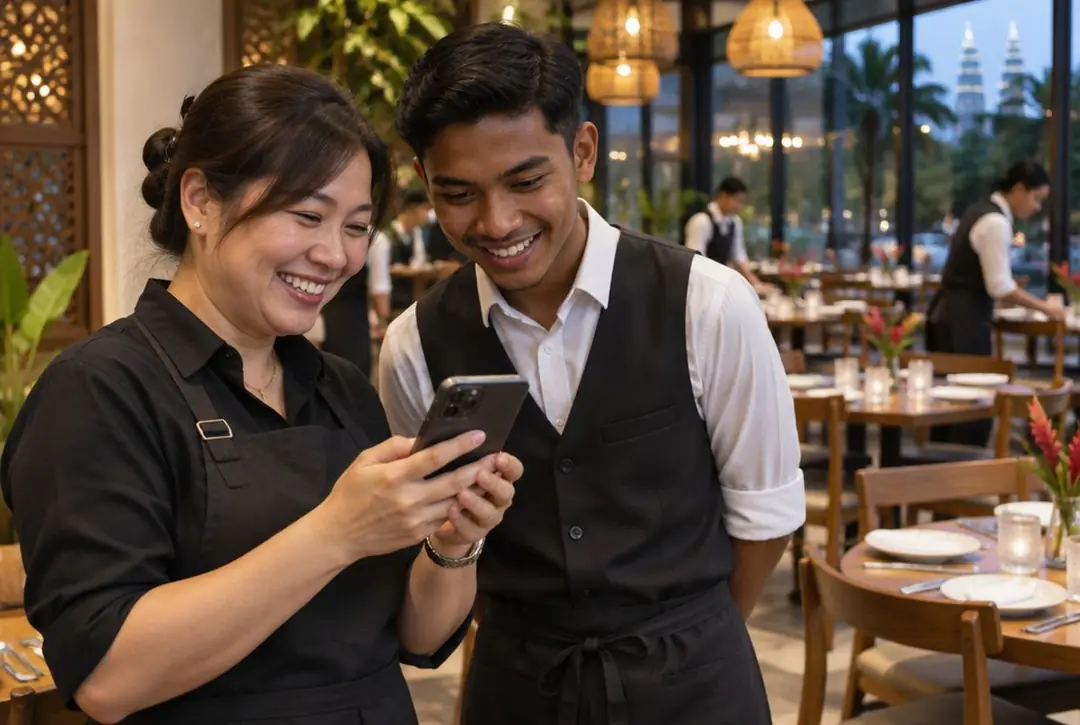
A restaurant manager and a waiter smile at a new booking alert on her phone before dinner service

The floor team sees tonight’s new bookings the moment they land, without opening the dashboard.

Illustration: feature icon e9ce0eeb46 128c4a 24x24

No booking slips through

Every new reservation lands in a chat your team already watches, even when nobody is logged in to the dashboard.

Illustration: feature icon c04b02fd37 128c4a 24x24

The whole team sees it at once

Owners, outlet managers, front desk and kitchen get the same alert, so nobody has to forward screenshots.

Illustration: feature icon ced3b17d86 128c4a 24x24

Nothing new to install

Staff use the WhatsApp they already have. No extra app, no extra password, works on any phone.

Illustration: feature icon 0df369d4ea 128c4a 24x24

Faster prep and confirmations

See the guest count, slot and deposit straight away, prepare the table or room, and review bookings that need staff approval sooner.

Illustration: feature icon bd56ed7136 128c4a 24x24

Smooth shift handovers

The group keeps a running record of the day’s bookings, so the evening shift knows exactly what the morning shift saw.

Illustration: feature icon d191fded76 128c4a 24x24

Owner oversight without the calls

Owners and brand teams follow demand as it comes in, without phoning the outlet to ask how bookings look tonight.

Group members, outlet names and bookings shown are example data. We connect your team group during set-up.

Interactive

Build a booking calendar in four choices.

This is how flexible each calendar is. Pick a business type and change the rules: the slots, the booking rules and the WhatsApp reminder update as you go.

1. What are you taking bookings for?
2. How are bookings approved?
3. Take a deposit?
4. When should the WhatsApp reminder go out?

Capacity by units

Dinner · Main hall

12 tables per slot · book up to 30 days ahead

6:00 PM7 tables left
6:30 PM4 tables left
7:00 PMFull
7:30 PM2 tables left
8:00 PM6 tables left
8:30 PM10 tables left
  • Bookings are confirmed instantly
  • No deposit: the slot is held on booking
  • New booking posted to your team WhatsApp group
  • WhatsApp reminder 1 hour before the slot
  • Bookings close 2 hours before each slot (cut-off)
  • Max 2 active bookings per member
  • Customers can book back-to-back slots for long dinners

Reminder: today at 7:30 PM · Table for 4 at Rumah Seri. Reply if you need to change it.

Illustrative settings and example data. Cut-off, advance window and per-member limits are set per calendar.

Time-slot booking system

How does time-slot booking work?

A time-slot booking system divides your opening hours into fixed slots and gives each slot a capacity: one patient, six courts, twelve tables or twenty-four seats. Change the numbers to see how many bookings one calendar can hold in a day and a week.

Slots per day
12
Bookable places per day
72
Places per week
432
10:00 AM
11:00 AM
12:00 PM
1:00 PM
2:00 PM
3:00 PM
4:00 PM
5:00 PM
6:00 PM
7:00 PM
8:00 PM
9:00 PM

Illustrative. Shaded cells show an example day filling up; full slots close automatically and the next customer sees only open times.

What customers see

Online booking takes a few taps in your branded portal.

Customers open the Reservations Centre from your portal, pick a calendar, choose a date and time slot, and pay a deposit if you ask for one. No app download, and it works on any phone.

  • Upcoming bookings shown at the top
  • Full slots are crossed out automatically
  • Deposits paid by payment gateway or wallet credit

Screens rebuilt from the Pixalink customer portal with example data

Anything sold by the hour

More businesses that run on time slots.

If you sell a time, a space or a headcount, you can take bookings for it. These are a few more ways Malaysian businesses use an online booking system.

Booking rules

The controls that keep your calendar under control.

Set these per calendar, so a dinner service and a weekend workshop can follow different rules.

Capacity

Bookings, seats or units

Limit a slot by number of bookings, number of seats, or units such as tables, rooms and service bays.

Approval

Automatic or staff approval

Confirm high-volume bookings instantly, or have staff review bookings that need a closer look.

Timing

Cut-offs and advance window

Close bookings a set time before each slot and decide how far ahead customers can book.

Illustration: feature icon 7972852f9f d57900 22x22

Availability

Blocked dates

Block public holidays, renovations, private events and staff leave in advance.

Flexibility

Multi-slot booking

Let customers book consecutive slots for long treatments, celebrations or extended bay work.

Visibility

Public, private or hidden

Show a calendar to everyone, keep it private, or hide it and share the link only with selected members.

Deposits

Deposits and refunds

Collect a deposit by payment gateway or wallet credit, and refund it when a booking is cancelled.

Illustration: feature icon 46337e1152 d57900 22x22

Fair use

Per-member limits

Cap how many bookings each member can hold, so a few people cannot block your best slots.

Outlets

Multiple calendars per outlet

Run separate calendars for each doctor, room, court or event at every branch.

Fewer empty slots

How does a reservation system reduce no-shows?

Two things change behaviour: a small commitment up front and a timely nudge. Pixalink combines both, automatically.

Deposits on peak slots. Customers who have paid RM20 or RM50 are more likely to turn up, or to cancel early so you can refill the slot.

Automatic WhatsApp reminders. Set how many minutes or hours before the slot the reminder goes out.

Per-member limits. Stop the same customers holding several slots they may not use.

Booking history on every profile. See who books often in the customer CRM, and reward them.

Illustration: feature icon 6be6f65e3c d57900 16x16 Gateway deposit
Illustration: feature icon 77c0a7d135 d57900 16x16 Wallet credit deposit
Illustration: feature icon c6127807d8 d57900 16x16 Refunds
Illustration: feature icon 68db0c0585 d57900 16x16 WhatsApp reminder

R

Rumah Seri

Business account

Reservation confirmed

Tap to view in your portal

Hi Aina, your table for 4 is confirmed for Sat, 14 Nov at 7:30 PM. Deposit RM20.00 received.

2:14 PM

Reminder: we will see you today at 7:30 PM at Rumah Seri, Bangsar. Reply if you need to change your booking.

4:30 PM

Interactive

What do no-shows cost you each month?

Move the sliders to match your business. Every recovered slot is revenue you already had on the calendar.

Empty slots every month

52

Revenue at risk every month

RM4,160 Weekly bookings × no-show rate × average spend × 4.33 weeks. Deposits and WhatsApp reminders are the two levers that win part of this back.

Side by side

Reservation system vs WhatsApp and Google Forms.

Most small businesses start with a WhatsApp number and a form. Here is what changes with a booking system for small business that is built into your loyalty portal.

Comparison of booking methods for small businesses

Pixalink reservations WhatsApp + Google Form Stand-alone booking app
Live time-slot availability for customers

Yes

No

Yes

Capacity by seats, tables or rooms

Yes

No

Partly

New-booking alerts in your team WhatsApp group

Yes

No

Partly

Deposits and refunds

Yes

No

Partly

Automatic WhatsApp reminders to customers

Yes

No

Partly

Booking saved on the loyalty profile

Yes

No

No

Same portal as points, rewards and wallet

Yes

No

No

Event slots for RSVPs

Yes

Partly

Partly

Go live

From first calendar to first booking.

  1. One per doctor, room, dinner service, court, bay or event.

  2. Slot times, capacity type and how far ahead customers can book.

  3. Approval, deposits, cut-offs, blocked dates and per-member limits.

  4. Add owners, managers and front desk; we connect it so new bookings post there.

  5. Choose when the WhatsApp reminder goes out to customers.

  6. Add the Reservations link to your portal, Instagram bio, Google Business Profile and counter QR code.

FAQ

Reservation system questions

Still deciding? Talk to our team or browse all features.

What is the difference between a reservation system, an appointment system and a booking system?

A reservation system holds a thing, such as a table, room or court, for a time. An appointment system holds a person’s time, such as a doctor or stylist. Booking system is the umbrella term for both. Pixalink runs all three as time-slot calendars in one customer portal.

Does my team get notified when a new booking comes in?

Yes. Create a WhatsApp group with your owners, managers and front-desk staff. Each new booking is posted to that group with the calendar, customer, guests, date, time and deposit status, so nobody misses a booking.

Can Pixalink handle table reservations?

Yes. Set a calendar’s capacity by units, such as tables, or by seats, and customers book a dinner slot. It works by timeslot rather than a floor plan, so you decide the exact table when guests arrive.

Can I use it as an appointment booking system for a clinic?

Yes. Create a calendar per doctor, vet or treatment room with one booking per slot, staff approval if you need it, blocked dates for leave and a WhatsApp reminder before the appointment.

What is a time-slot booking system?

A time-slot booking system splits opening hours into fixed slots, such as every 30 minutes, and gives each slot a capacity. Customers choose a slot that still has space, and full slots close automatically, which prevents double-booking.

Can I take event RSVPs?

Yes. Events use a calendar with timeslots and a seat capacity, for example 24 players for a pickleball session. You can make the calendar public, private or hidden and share it only with members.

Can customers pay a deposit?

Yes. Deposits can be paid by payment gateway or with wallet credit, and staff can refund them when a booking is cancelled.

How do reservation reminders work?

Pixalink sends an automatic WhatsApp reminder to the customer a set time before the slot, for example one hour or one day before.

Can I stop customers booking too many slots?

Yes. Set a per-member booking limit, a cut-off before each slot and an advance booking window for each calendar.

Do customers need to download an app to book?

No. Customers book in your branded customer portal from any phone browser, and the same portal holds their points, rewards and wallet.

Is there an online booking system for small businesses in Malaysia that links to loyalty?

Pixalink is built in Malaysia and runs reservations inside the same customer portal as points, vouchers, stamp cards and wallet credit, so every booking is saved on the customer’s profile.

Ready when you are

Know who is coming before they walk in.

We will set up your first calendars, deposits, reminders and team WhatsApp group with you in a 30-minute demo.